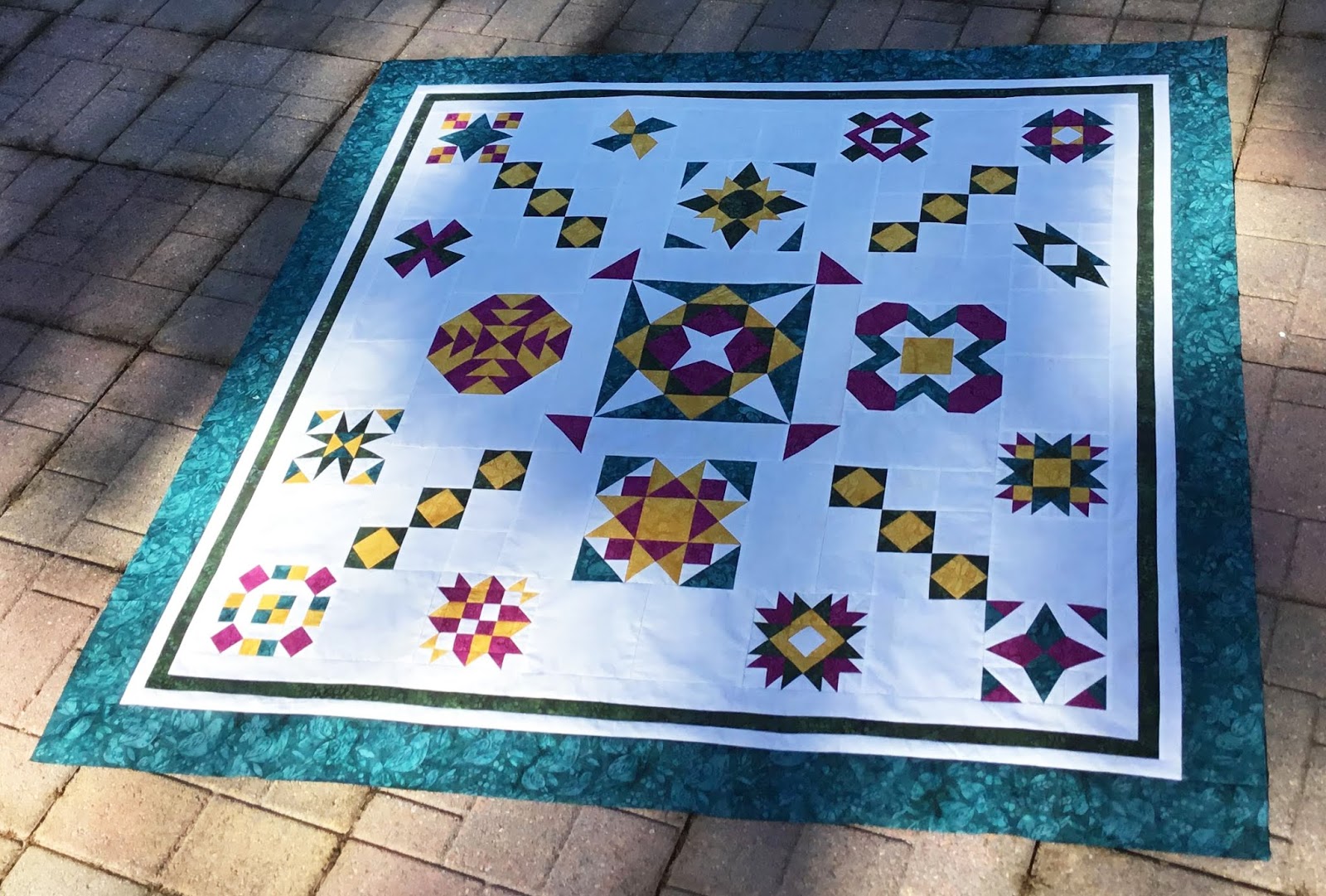
Are you ready? It's time to release the next block and final block in the Graceful Points Quilt Along. Today we are releasing block 15, Blockbuster #26 "Cactus Bloom."
For this block, we will be making Popped Corner Beam, Corner Beams and Flying Geese units with the Studio 180 Design, Corner Beam®, Corner Pop®, and Wing Clipper® tools.
Make sure you download both of the Block 15 and Blockbuster #26- "Cactus Bloom" Instructions, which are required to make your blocks.
Please remember that the pictures used in this tutorial are for the 12" block for the Wallhanging. Be sure to read the Downloaded Block Instructions to get the correct cutting and trimming sizes for the King Size 18" block, which are indicated in (Blue) parenthesis.
Unit A: Corner Beam Popped
We are going to start off the Corner Beams by cutting our center beam first. Placing your square on the cutting mat. Position the Corner Beam® tool, so the dashed line labeled "Center Beam Trim #1" and the Finished Unit Line with the other edge of your fabric square. Trim along the slanted edge of the tool.
Next, lift and Reposition the Corner Beam® tool, aligning the dashed line labeled "Center
Beam Trim #2" with the previously trimmed angle and trim along the slanted edge again.
Cut 4 Center Beams
Now we are going to cut the side triangles:
 |
| Right Handed |
 |
| Left Handed |
Gather your BG strips. Position the Corner Beam® tool on the strip so that the Bold line labeled "Side Triangles Trim #1" aligns up against the trimmed end of the BG Strip and the Finished line against the bottom of the strip. Trim along the slanted edge of the tool.
 |
| Right Handed |
 |
| Left Handed |
Rotate your tool, one quarter turn counterclockwise. Positioning the line labeled Side Triangle Trim #2, against the slanted edge on the previously trimmed edge, making sure the bottom of your strim is lined up along the second trim line and trim.
Cut 4 Side Triangle Pairs.
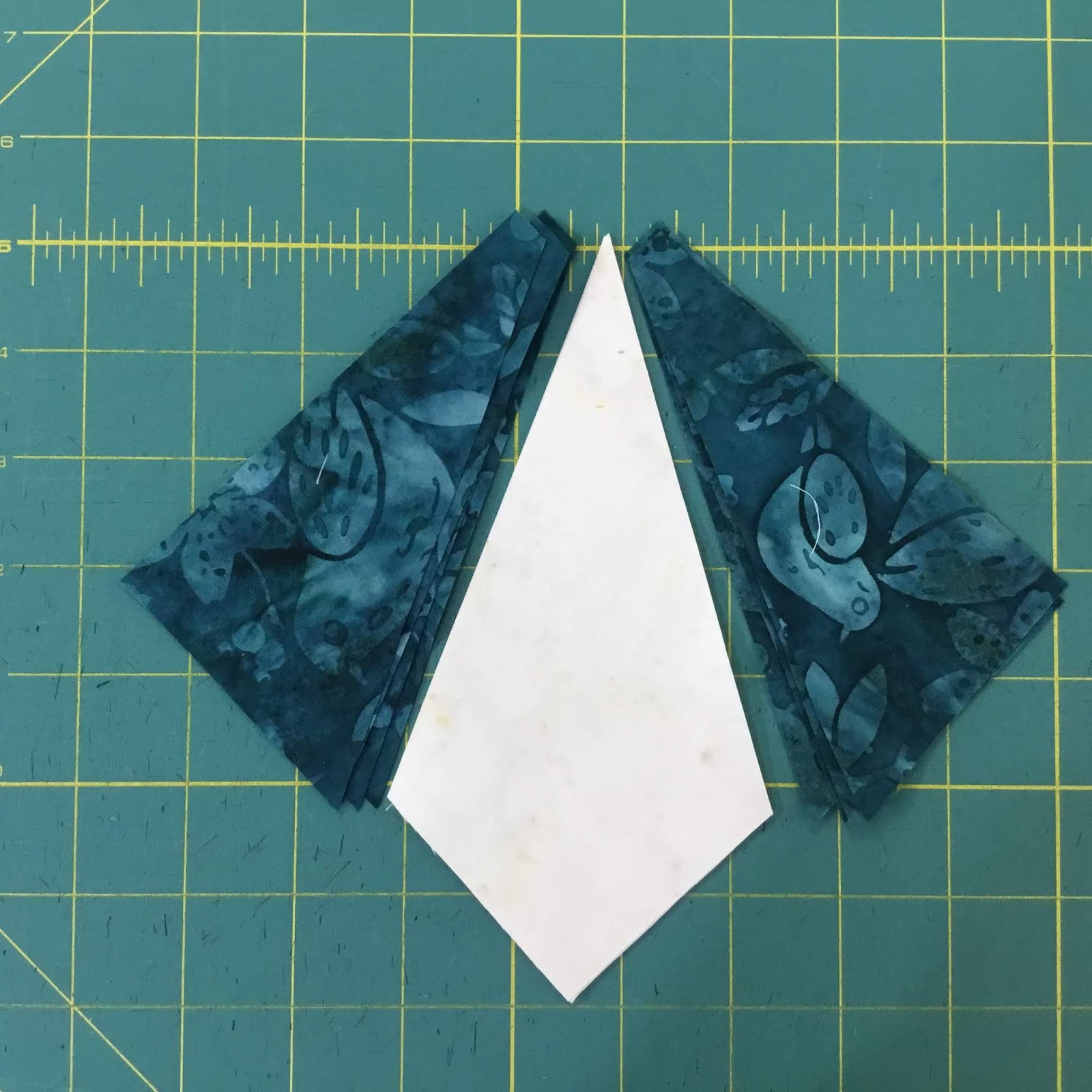
Arrange your Side Triangles and Center beam pieces. Assuring the short end and the angles align with the Center beam.
Position a side triangle onto the Center Beam, placing them right sides together, assuring to offset the tip of the center beam about 1/4" above the side triangle. Stitch the center beam on top of the sides triangle with a 1/4" seam allowance.
Press seams toward the side triangles.
Position the other side triangle on the other side. Stitch with a 1/4" seam and press seam toward the side triangles.
 |
| Right Handed |
 |
| Left Handed |
Position the unit on your cutting mat. Right-hand cutters place your point of the corner beam right side (see above), and Left-handed cutters place the point of your corner beam to the right side.
Aligning the "Seam Line Placement" guidelines with the diagonal seams of your unit. Trim the two sides.
 |
| Right Handed |
 |
| Left Handed |
Rotate your Corner Beam unit 180°. Making sure to align up the Finished size guidelines and the seam intersection nests in the "V" and the corner to corner diagonal seams fall right along with the points of the "V"s. Trim the remaining sides of the units.
Next, Popped Corners
Start off by cutting the small squares diagonally in half to yield 2 triangles.
 |
| Right Handed |
 |
| Left Handed |
Position the CB units right side up on the cutting mat. Find and Position the Cut Away Corner Line that is indicated in your Block instructions on the outer Beam as shown. Trim.
Take one of the replacement triangles and center it with the long side of the Corner Beam that was just trimmed. Stitch with Corner Beam on top using a 1/4" Seam allowance.
 |
| Right Handed |
 |
| Left Handed |
Position the Corner trim Down Line fo the Corner Pop tool over the newly sewn seams. Make sure to align the diagonal line with the seam, plus the edges of the unit with the edges of the tool. Trim the corner.
Make 4 Popped Corner Beams
Unit B: Corner Beams
We will be making smaller Corner Beams for Unit B. So we will be following the steps above just we won't be popping the corners this time. These Corner Beams will be smaller in size, so refer back to your block instructions for the correct sizes.
Make 4 Unit B's
Unit C: Flying Geese
Since we have made Flying Geese units several times in this QAL, I will just remind you of the placement of your Wing Clipper® I tool.
Position your Wing Clipper® I on your Flying Geese unit. Aligning the diagonal guidelines on the Wing Clipper® I with the seams of the unit. When doing this, you will be automatically be centering the tool over your pieced unit. Trim the sides and across the top.
Rotate your unit 180° and reposition the Wing Clipper® I to align the previously trimmed raw edge with the cut size of your unit and "X" at the top with the intersection of the seams. Trim the remaining sides.
Assembly
Now that you have all your units complete, its time to lay out Block #15. Please follow Blockbuster page Download to make sure you lay out the units correctly. Double-checking you have the correct placement of all your units.
To start the assembly, you will want to stitch your 2 different Flying Geese units together first. Then assemble the four Unit B Corner Beam units together.
Once your Flying Geese and Corner Beam Center are complete. You can stitch all units together to make your block.
Block 15, "Cactus Bloom" is now complete.
But now I have added a Bonus Block that is part of the QAL. This Bonus Block is not a Blockbuster, this is something I designed to fill in four corners around the quilts. I'm providing this block ahead of the Finishing Instructions that will be released in a couple weeks. You will be making 3 Square Squared units. Download your Bonus Block Instructions now.
I look forward to seeing your Blocks, and I hope you will share your photos in the comments section below or on the Graceful Points Facebook Group. Additionally, you can post your blocks on Facebook or Instagram, making sure to use the #gracefulpointsqal and/or #quiltingaffection designs. I can't wait to see your blocks.
On Friday, August 30th will be the release date for Final Quilt Instructions in our quilt along.
Tina
"Designs to Inspire"